Requests arrive every way there is
A ticket, an e-mail, a chat message, a call. Some are documented. Most are one sentence.
The part of firewall change nobody has fixed
End users don't know the policy, the zones or the port. They just want A to talk to B. FwChange takes the request the way they write it, checks it against your real policy, asks them for what is missing and hands your engineers a complete, standard change.
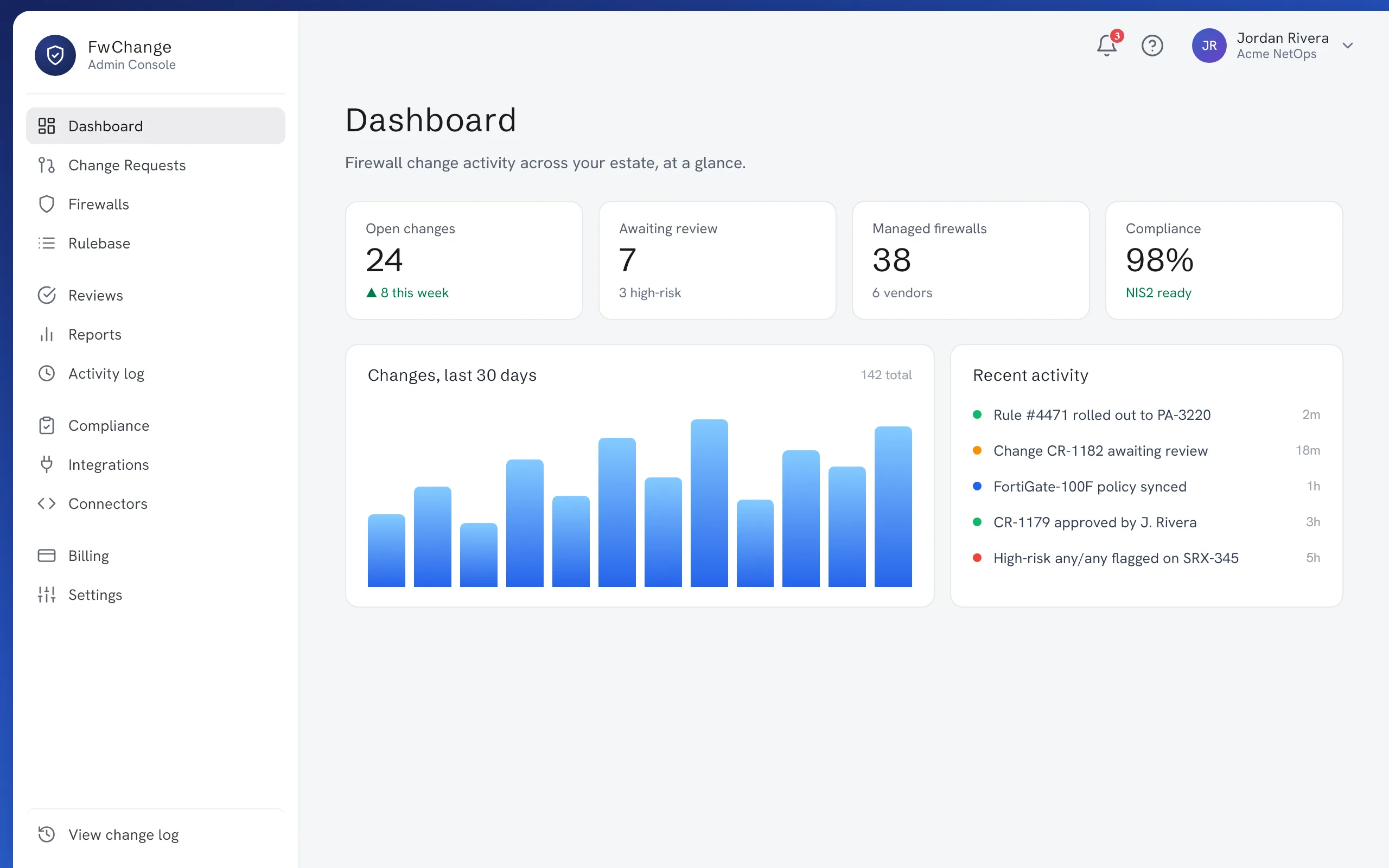
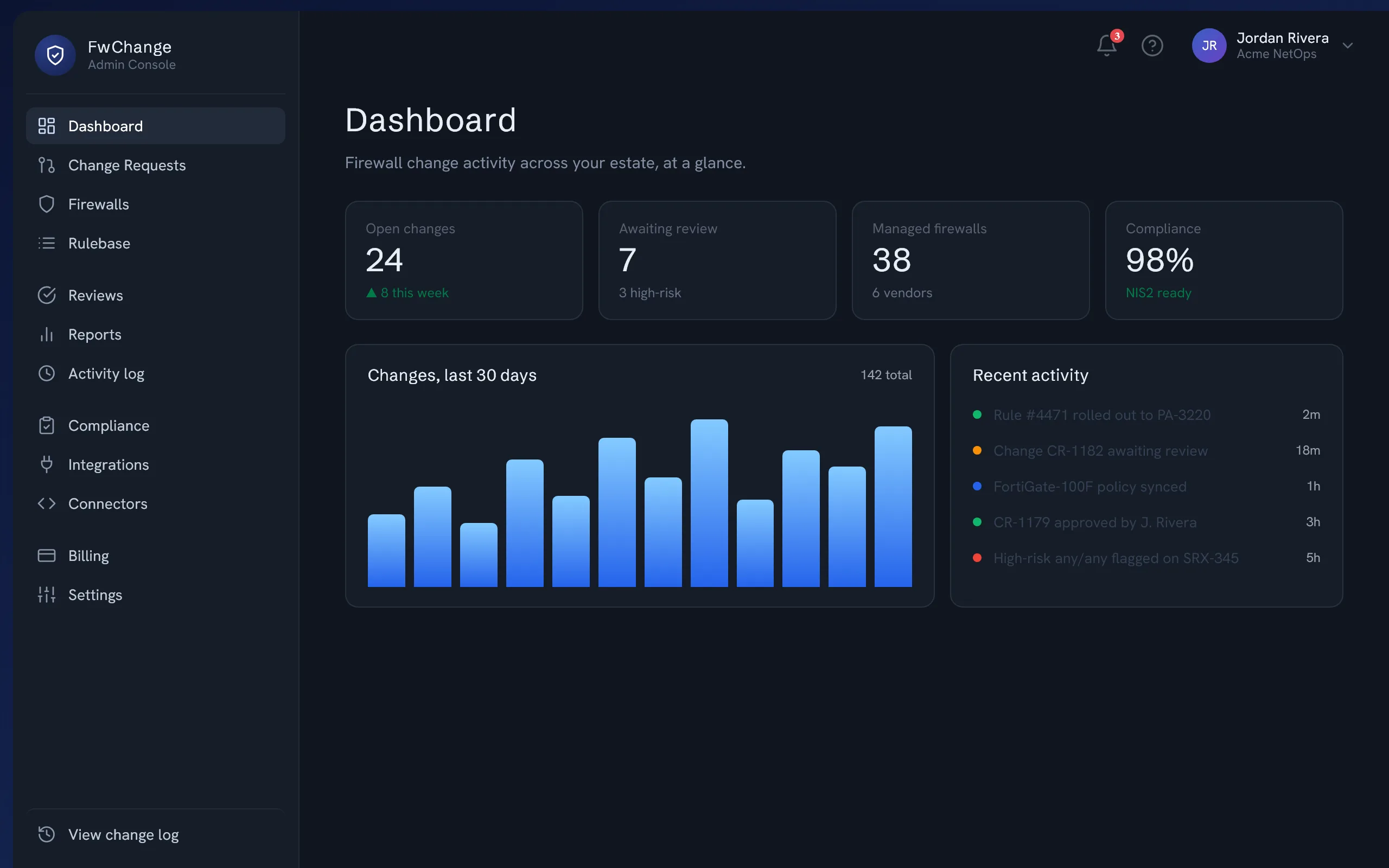
Connectors for your ticket system and your firewalls
The problem
Ask any firewall engineer what costs them the most time. It isn't the firewall. It's the request. "Please open the firewall, the printer doesn't work." They just want A to talk to B.
A ticket, an e-mail, a chat message, a call. Some are documented. Most are one sentence.
No source, no destination, no port, no reason. The engineer writes back, waits, and writes back again.
Often the traffic is already allowed, or the request should never be approved. Someone finds out after the work is done.
No two changes are written the same way, so approving and auditing them is slow.
FwChange starts with the end user.
Ask · Check · Change
New to the process? Start with the firewall change management guide.
The requester writes what they need, in a ticket, an e-mail or a short form. An address or a system name your firewalls already know is enough. If FwChange can't tell which system is meant, it asks. It never guesses.
Why end users can't fill in the form →FwChange reads the rulebase from your firewalls and answers before an engineer is involved: the traffic is already allowed, the request breaks your rules (and what works instead), or a change is needed and on which firewall.
The checks before approval →Every request that needs a change becomes the same structured change: source, destination, service, reason, firewall. It goes to your approval chain. Nothing is approved automatically.
Approval and separation of duties →How it works
Written in the requester's own words, in the ticket system or mailbox they already use, or in a short form.
FwChange reads the addresses and system names. Anything missing gets one plain question back in the same ticket or mail.
The request is tested against your policy and your own rules for what may never be opened (Telnet, any-to-any, guest to internal).
A standard change per firewall goes to approval. The requester is told in plain words what happens next.
Your engineers make the change in their own console. FwChange then reads the firewall and confirms the rule matches what was approved.
What the requester sees
"Which server do you mean? We know two with that name."
"This already works. Nothing needs to change."
"Telnet is not allowed here. SSH on port 22 does the same job."
"Your request is with the firewall team. You'll hear from us when it is open."
The requester never sees a rule number or firewall syntax.
The FwChange principle
Plain words for the requester. A complete change for the engineer.
FwChange, Firewall change management methodology
For the firewall team
FwChange takes the back-and-forth with requesters off your engineers' desk. The firewall stays in their hands.
From the field notes
Guides on the whole path of a firewall change: the request, the check before approval and the proof after the change window.
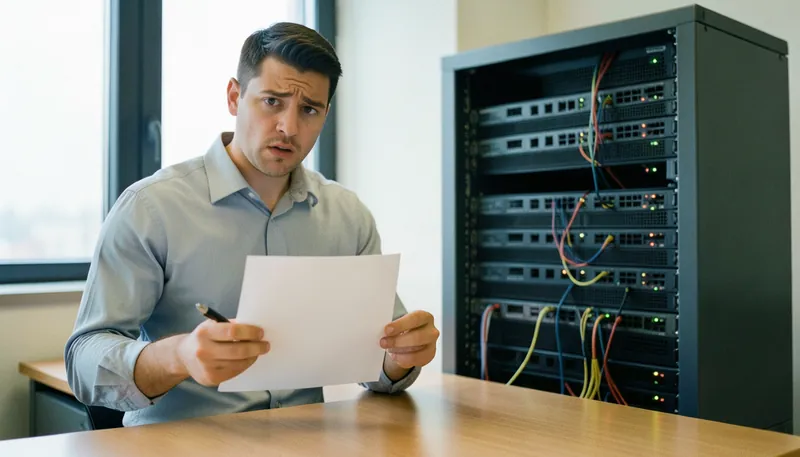
A request form asks for source, destination and port. End users know none of them. Ask what they can answer.

The fields a request needs and the tests to run before anyone signs it off.

How to prove the rule on the firewall is the rule that was approved.
Send a request the way your users write them. We'll show you what FwChange makes of it.