Guides
Which ports does this application need? How to find the flows before you raise the request
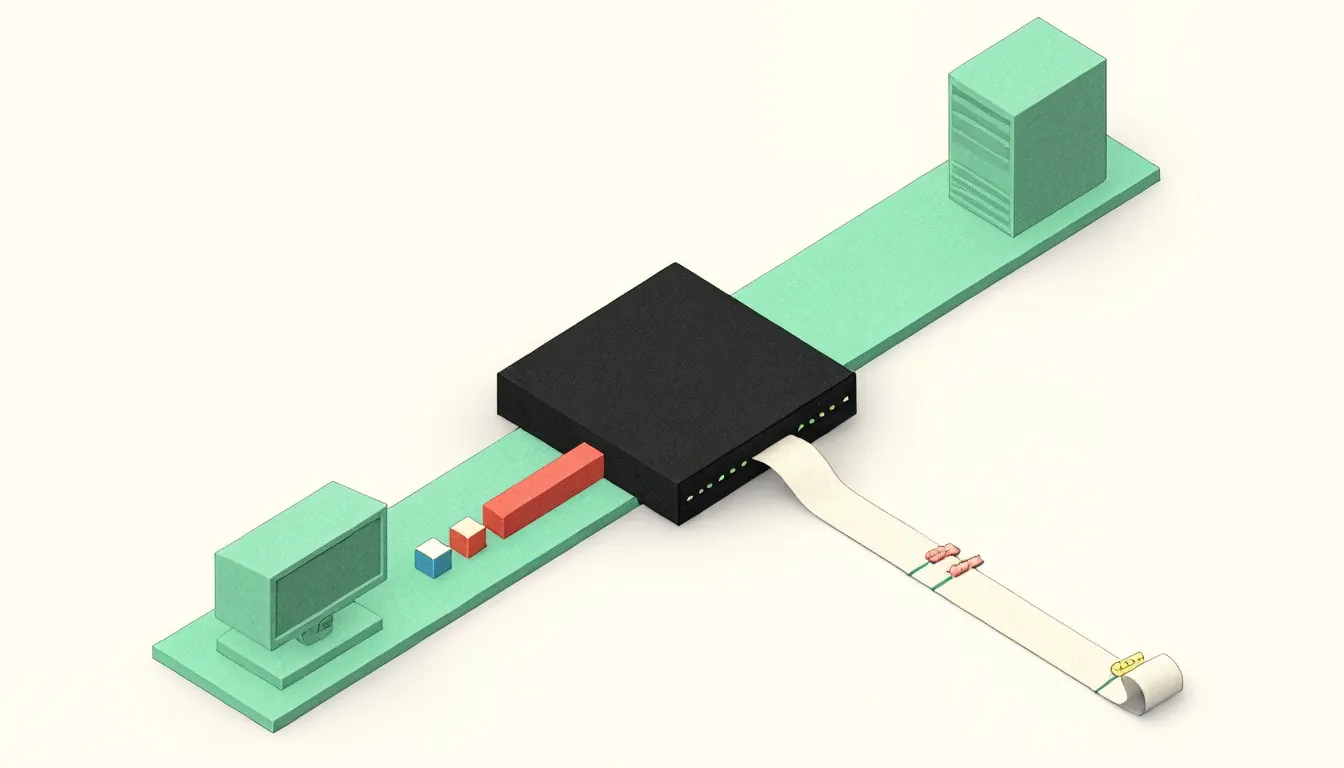
Your application does not know its ports, but the firewall log does. Trigger the connection once, find the denied session in the log, and copy the source, destination and port from that entry.
Firewall requests fail when they are built on guesses. A vendor port list or a half-remembered setup produces a request the security team has to send back. The firewall already writes down what was tried and blocked, so the cheapest complete request starts from a real denied session. Ask the firewall first, then write the request.
What should you collect before you ask for log help?
Most application owners and project leads cannot read the firewall log themselves. The firewall team or a colleague with log viewer access will do the search, so give them what they need in the first message:
- The name of the application.
- The two systems involved: the one that starts the connection and the one it is meant to reach.
- The exact date and time of your connection test.
- The name of the person who can read the log, if you already know who that is.
With these four details the log reader can filter for that time window and find the blocked attempt. In our experience, running the test from the real client system, not from your laptop, gives the log reader the right source address. Write down the minute you started it.
Which log fields give you the answer?
In a Palo Alto Networks traffic log, a handful of fields hold the values the request needs. The PAN-OS 11.1 admin guide describes them like this:
- Source Address (src): the original session source IP address.
- Destination Address (dst): the original session destination IP address.
- Destination Port (dport): the destination port used by the session.
- Application (app): the application associated with the session.
- Rule Name (rule): the name of the rule the session matched.
- Action: allow, deny or drop, among a few other values such as reset client or reset server.
Check the Subtype field as well. A session is logged as "drop" when it was dropped before the application was identified and no rule allows it. It is logged as "deny" when it was dropped after the application was identified and a rule blocks it or no rule allows it. Search for both words when you look for your test.
The same on Fortinet, and the implicit-deny trap
On Fortinet the idea is the same: find your test in the log and read the values. The trap is policy ID 0.
A Fortinet Community technical tip states it plainly: policy ID 0 is not the same as implicit deny. When no user-defined local policy applies to the logged traffic, the logs show policy ID 0. Implicit-deny logs share that policy ID 0, but they are logged with type "traffic" and subtype "forward", so they sit in the forward traffic log and not among the local traffic logs. If you search only the local traffic logs, you will not find your denied test.
Turn the log line into a request people can approve
A log line is not yet a request. The approver needs the technical values and the reason behind them:
- Source IP.
- Destination IP.
- Port.
- The business reason.
- The application owner.
Approvers in PCI DSS environments ask for this because v4.0.1 requires a documented list of allowed services, protocols and ports, each with a business reason and an approval. Requirement 1.2.5 says all allowed services, protocols and ports must be identified, approved and have a defined business need, and the test for it is a documented list of allowed ports where each entry has a business justification and an approval. Requirement 1.2.4 asks for an accurate data-flow diagram that shows all account data flows and is updated when the environment changes, so a new flow that carries account data also means a diagram update.
The change itself needs a paper trail too. Requirement 6.5.1 lists a reason for and description of the change, documentation of the security impact, documented approval by authorized parties, testing that the change does not harm security, and procedures to return to a secure state when it fails.
For the full request, see Firewall Request Form: What End Users Can Actually Answer. It covers the questions you can answer; this post covers the ones you cannot. To see what the approver will look at, read How to Check a Firewall Change Request Before Approval.
Traps that send the request back
Even with a log line in hand, a few mistakes bring the request back:
- The test that never ran. If the application did not try to connect, there is nothing in the log. Confirm the connection was attempted, and note the time.
- The return flow. Some applications need a response path or a separate flow back. Check the log for the reverse direction before you submit.
- The second port. You open one port and the application needs another to work. Read the whole time window around your test, not just the first denied line.
- The application with several connections. Some applications open more than one connection to different ports. One log line may show only the first. Use the feature in the application that exercises everything, then collect every denied session from that test.
After the change window, repeat the same test. If the application works and the log now shows allow, the request was complete. How to Verify a Firewall Change After the Change Window walks through that step.
Frequently asked questions
Can I find the port from the vendor's documentation instead of the log?
Documentation lists what the software can use. The log shows what your setup used in the test. Build the request from the log and use the documentation to check it.
Why does my test show "drop" and not "deny"?
In Palo Alto Networks logs, "drop" means the session was stopped before the application was identified and no rule allows it. "Deny" means the application was identified first. Both mean the traffic was blocked, so search for both.
Does the request need a business reason if the port is standard?
Yes, where PCI DSS applies: requirement 1.2.5 asks for a documented business justification and approval for all allowed services, protocols and ports.
For the full request, read Firewall Request Form: What End Users Can Actually Answer. FwChange is built for requests from people who do not know ports.